
Remote learning with Snappet
Snappet can be used for remote learning for all your second and third grade students. Students can sign in to Snappet on any device at home (e.g. on a (laptop) computer or a smartphone). As a teacher, you can send lessons and monitor your students’ work remotely as well. Teachers can easily arrange this for their class with the manuals and video on this page.
Teacher manuals
For students to sign in at home, you have to create student login credentials. With help from their parents/caretakers, your students are able to sign in at home on any device. Below, you will find the manual to set up the login credentials.
Are you new to Snappet? Use the extended manual. This manual also includes information about teaching with Snappet remotely.
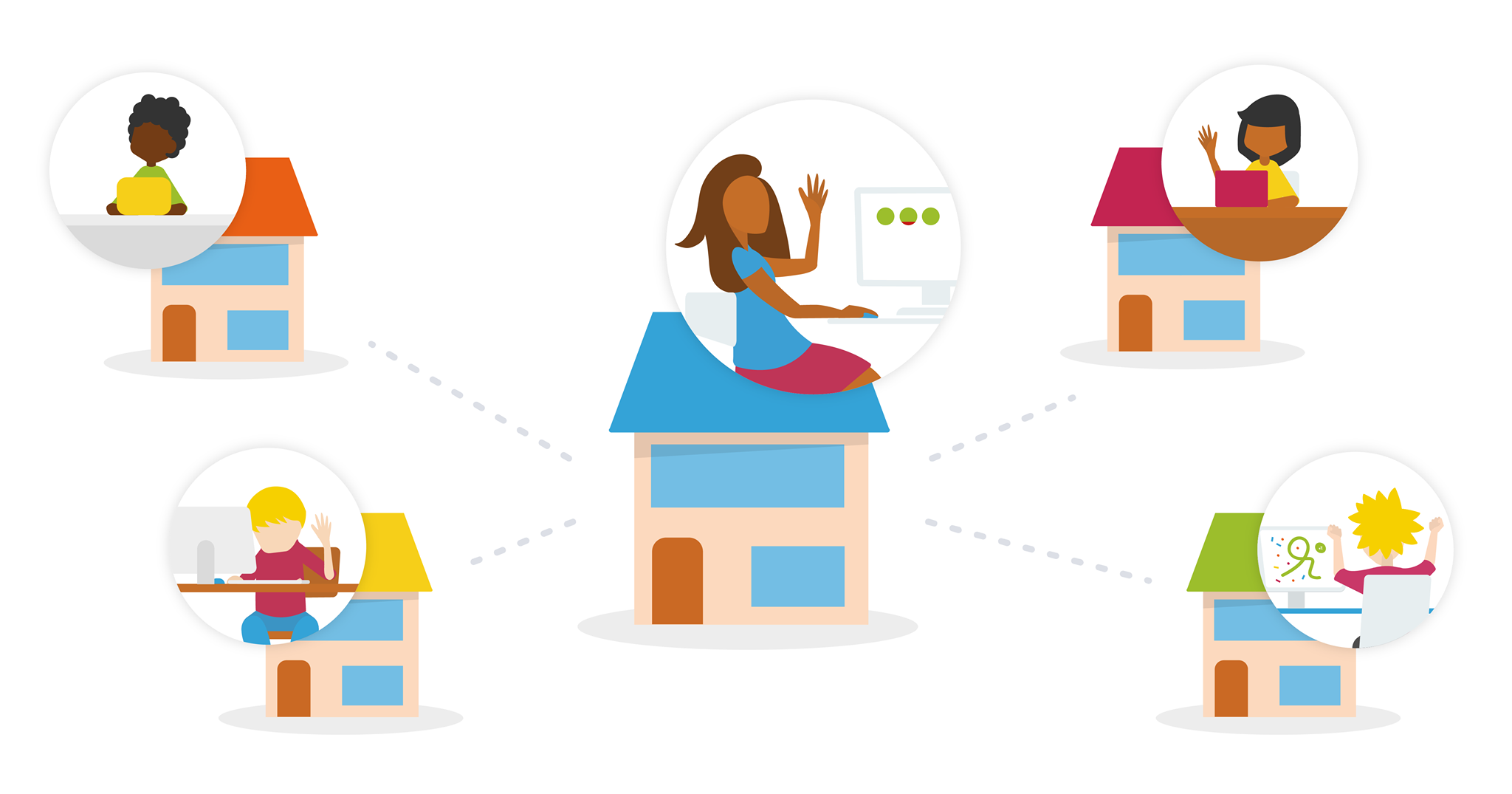
Video on remote learning with Snappet
Would you rather watch a video? The video below explains you how to set up remote learning for your classroom.
